
The Ultimate Guide to Choosing Fall Backgrounds for PowerPoint
Selecting the right autumn‑themed slide backdrop can turn a routine presentation into a memorable visual story. This guide walks you through the practical decisions—color harmony, image quality, readability, and file performance—so you can confidently apply a fall background that reinforces your message without distracting your audience.
Why a Fall Theme Matters in Professional Slides
Autumn hues signal change, warmth, and focus, making them ideal for projects that involve strategic planning, year‑end reviews, or seasonal product launches. When used correctly, a fall palette subtly frames data, guiding viewers’ eyes toward key points while maintaining a professional tone.
Step 1: Define the Color Palette That Matches Your Message
Start by extracting three core colors from the season: a muted amber, a deep rust, and a cool slate. Map these to your slide elements—amber for headings, rust for subheads, slate for body text. This limited palette prevents visual overload and keeps the slide cohesive.
Step 2: Choose High‑Resolution, License‑Clear Images
Search reputable stock sites for images that feature natural autumn scenes—fallen leaves, tree canopies, or subtle fog. Prioritize resolutions of 1920×1080 pixels or higher; PowerPoint’s native scaling retains clarity at 100 % zoom. Verify the license to avoid copyright issues, especially when the deck will be distributed externally.
Step 3: Test Contrast for Text Legibility
Overlay sample text on the chosen background and use a contrast checker (WCAG AA minimum). If the amber heading blends into a similarly toned leaf pattern, apply a semi‑transparent dark overlay (≈30 % opacity) to boost readability. Keep body text at least 14 pt for typical projection settings.
Step 4: Optimize File Size Without Sacrificing Quality
Large images can slow down slide transitions. Compress the background using PowerPoint’s built‑in “Compress Pictures” tool, aiming for a balance around 150 KB per slide. Retain the original file for future edits; work on a copy to preserve the source quality.
Step 5: Apply the Background Consistently Across the Deck
Use the Slide Master to set the fall background once, guaranteeing uniformity. Insert placeholders for titles and content to maintain alignment. If a particular slide requires a different focus—such as a data chart—consider a lighter variant of the same image to avoid visual clutter.
Step 6: Review on Multiple Devices Before Finalizing
Open the deck on a laptop, a projector, and a mobile device. Observe how the autumn tones shift under varying lighting conditions. Adjust saturation or overlay strength if the background appears washed out on bright screens or overly saturated in dim rooms.
Practical Example: Transforming a Quarterly Report
An analyst replaced a plain gray template with a subtle, high‑resolution photo of a misty forest floor. By assigning amber to the headline, rust to section titles, and keeping data tables on a slate‑tinted textbox, the report retained its data‑driven focus while evoking the seasonal context of Q4 performance. The final file size grew by only 12 %, and the slide deck loaded instantly on conference room hardware.
Takeaway: Fall Backgrounds That Work, Not Just Look Good
Effective autumn slide designs balance aesthetic appeal with functional clarity. By following the six steps—palette definition, image sourcing, contrast testing, compression, master application, and cross‑device review—you’ll ensure your PowerPoint presentation leverages the seasonal vibe without compromising professionalism.
Lisbon Portugal Physical Geography

Lisbon portugal physical geography
Lisbon Wallpapers - TopHinhAnhDep
Lisbon Wallpapers - TopHinhAnhDep
Lisbon 4K Wallpapers - Top Free Lisbon 4K Backgrounds - WallpaperAccess
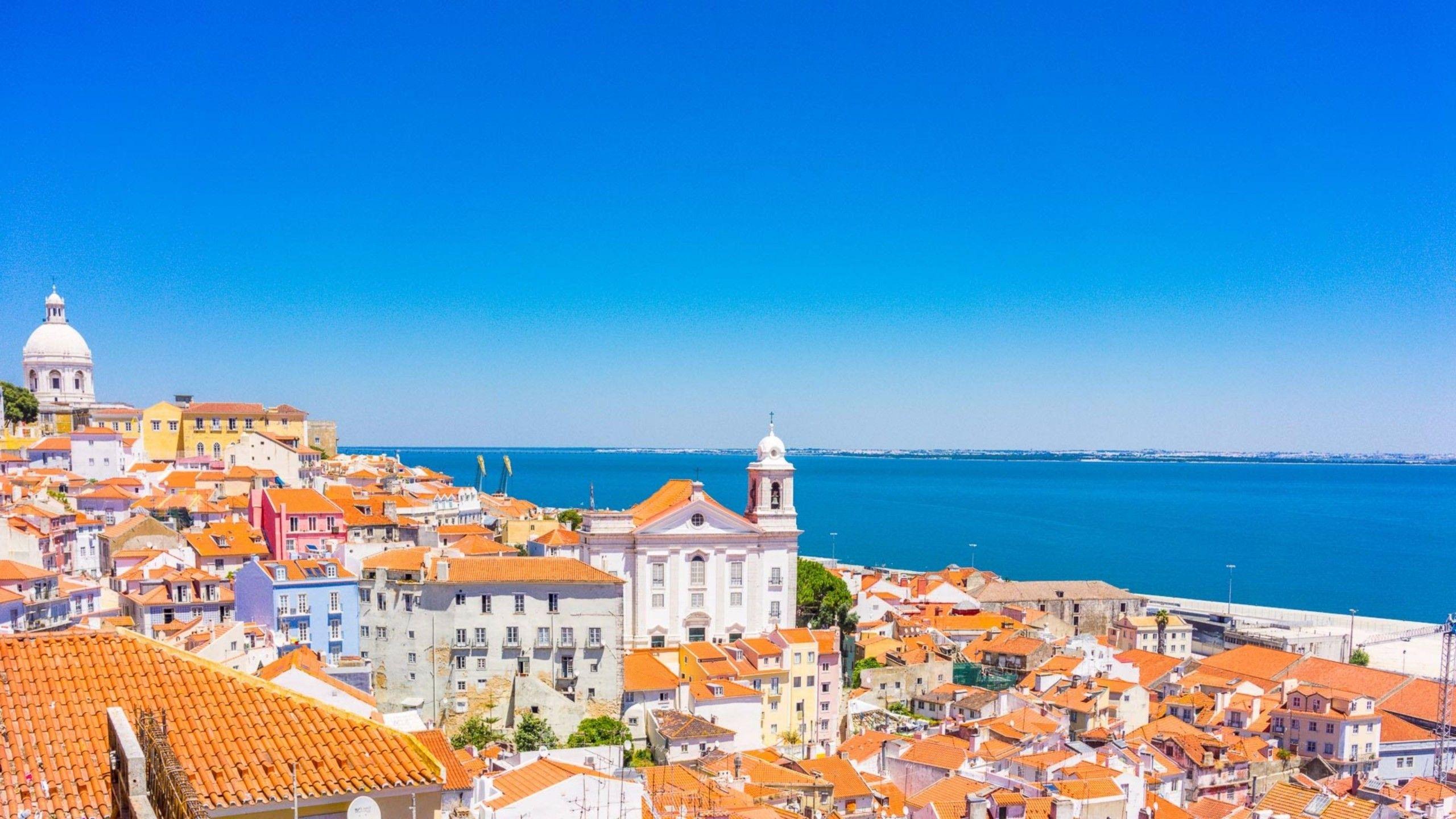
Lisbon 4K Wallpapers - Top Free Lisbon 4K Backgrounds - WallpaperAccess
[100+] Lisbon Wallpapers | Wallpapers.com
![[100+] Lisbon Wallpapers | Wallpapers.com](https://wallpapers.com/images/hd/hill-of-trees-and-homes-lisbon-8ulkkbh4vqwv4eeu.jpg)
[100+] Lisbon Wallpapers | Wallpapers.com
What To Visit In Lisbon | Exoticviajes.com

What to visit in lisbon | Exoticviajes.com