New to Christmas Stationery Free Templates? Start Here for Pro Results
Seasoned crafters know that a perfectly composed Christmas card or worksheet can set the tone for the holidays, yet many newcomers stumble over free template pitfalls. By recognizing the most common missteps—such as ignoring resolution limits, over‑customizing fonts, and neglecting print‑ready margins—hobbyists can transform a basic download into a polished, professional result without extra cost.
When the Template’s Resolution Is Too Low
Free downloads often prioritize visual appeal over print quality. A 72‑dpi image that looks crisp on a screen will print fuzzy, especially on matte cardstock. The smarter move is to verify the file’s DPI before committing to a print run. If the template is raster‑based, request a higher‑resolution version from the creator or replace background elements with vector graphics from free libraries like the Open Clipart collection.
Practical step
- Open the template in Photoshop or GIMP.
- Check Image → Image Size for the DPI setting.
- Scale up only if a vector layer is present; otherwise, replace the background with a higher‑resolution file.
If You’re Adding Too Many Fonts
Beginners love to experiment, but a holiday design cluttered with three or more typefaces quickly loses readability. The rule of thumb for professional results is to stick to two complementary fonts: one for headings (a festive script or bold serif) and another for body copy (a clean sans‑serif). Consistency across pages creates cohesion and reduces the risk of printing errors caused by unsupported characters.
Quick fix
- Choose a script font for titles—e.g., “Great Vibes.”
- Pair it with a neutral sans‑serif like “Montserrat.”
- Apply the same heading style to every page to maintain visual rhythm.
When Margins and Bleeds Are Ignored
Free templates rarely include printer‑specific bleed areas, leading to white edges after trimming. Experienced hobbyists add a 0.125‑inch bleed to all sides and set safe margins at least 0.25 inches inside the edge. This extra space protects crucial design elements and ensures the final product looks as intended, whether printed at home or by a commercial press.
Solution checklist
- Open the file in a layout program (InDesign, Affinity Publisher, or even Canva).
- Enable “Show Bleed” and extend background colors or images to the bleed line.
- Place text and logos inside the margin guide, not beyond it.
When You Stick to One‑Size‑Fits‑All Colors
Many free holiday templates ship with a single red‑green palette that may not suit every paper stock. By swapping out colors with Pantone‑matched shades or adjusting hue saturation, you can tailor the design to the specific texture and tone of your chosen paper. This adjustment often yields a richer, more festive appearance that stands out in a sea of generic cards.
Adjustment tip
Use the “Hue/Saturation” slider in your editing software to subtly shift reds toward burgundy or greens toward pine, matching the paper’s undertone.
When You Miss the Power of Layered Elements
Free templates typically flatten layers for simplicity, but seasoned creators know that keeping decorative elements on separate layers enables quick tweaks—such as swapping a snowflake icon for a holly sprig without redesigning the whole page. If a template arrives as a single‑layer PDF, request the original PSD or AI file, or reconstruct the design by importing elements into a new layered document.
Actionable approach
- Identify each visual component (borders, icons, background).
- Recreate them as individual layers in your chosen editor.
- Toggle visibility to experiment with different arrangements before finalizing.
By confronting these usual errors head‑on—low resolution, excessive fonts, missing bleeds, static colors, and flattened layers—your transition from free template novice to pro‑level holiday creator becomes almost automatic. The result: Christmas stationery that feels custom‑designed, looks crisp in print, and conveys the festive professionalism your peers expect.
TIANEK Fashion Casual Warm Lace Up Short Ankle Flat Leather Brown Boots
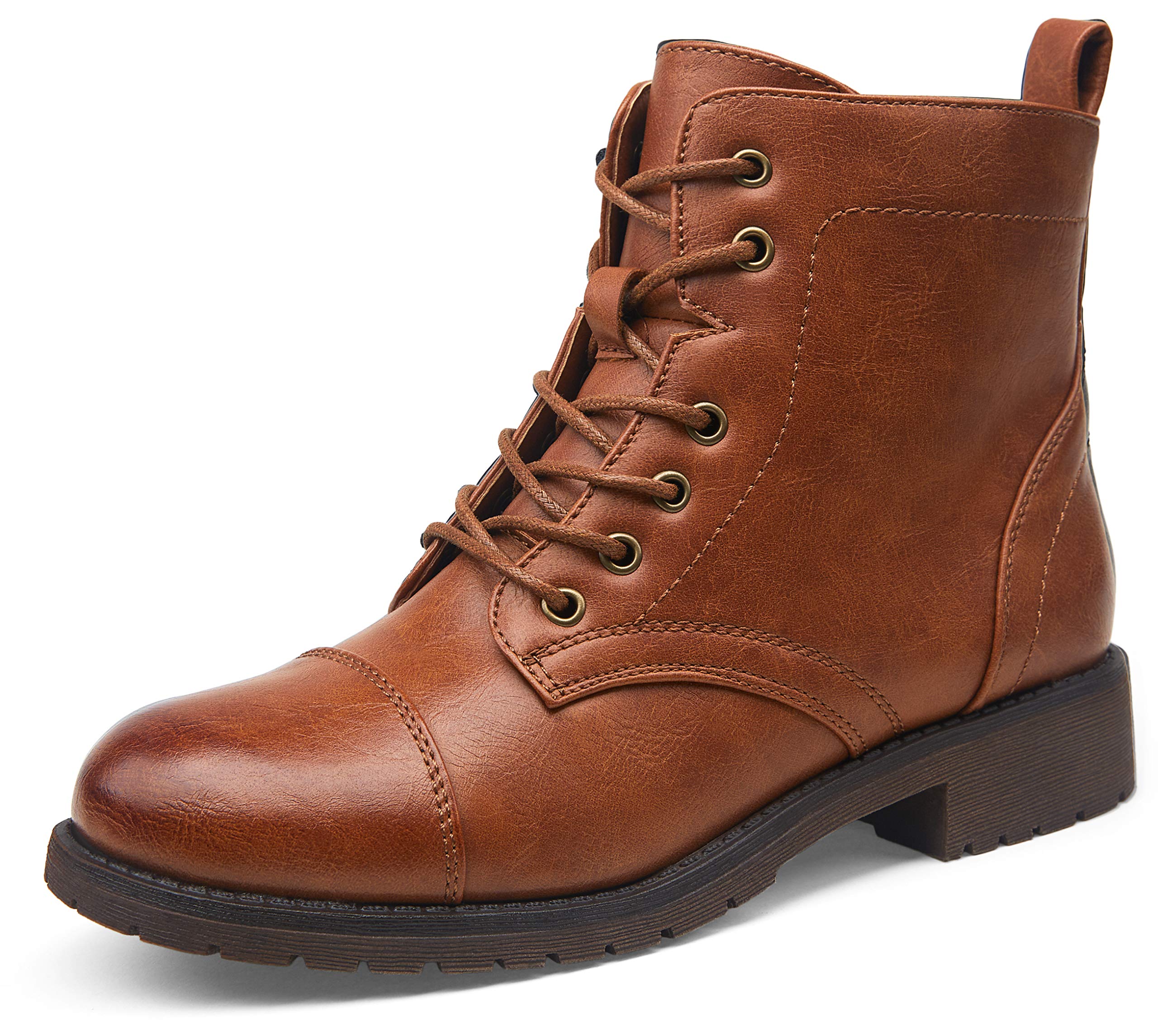
TIANEK Fashion Casual Warm Lace Up Short Ankle Flat Leather Brown Boots ...
Brown Boots Women Laces

Brown Boots Women Laces
Black Lace Up Ankle Boots For Women, Black Booties With Snake Skin
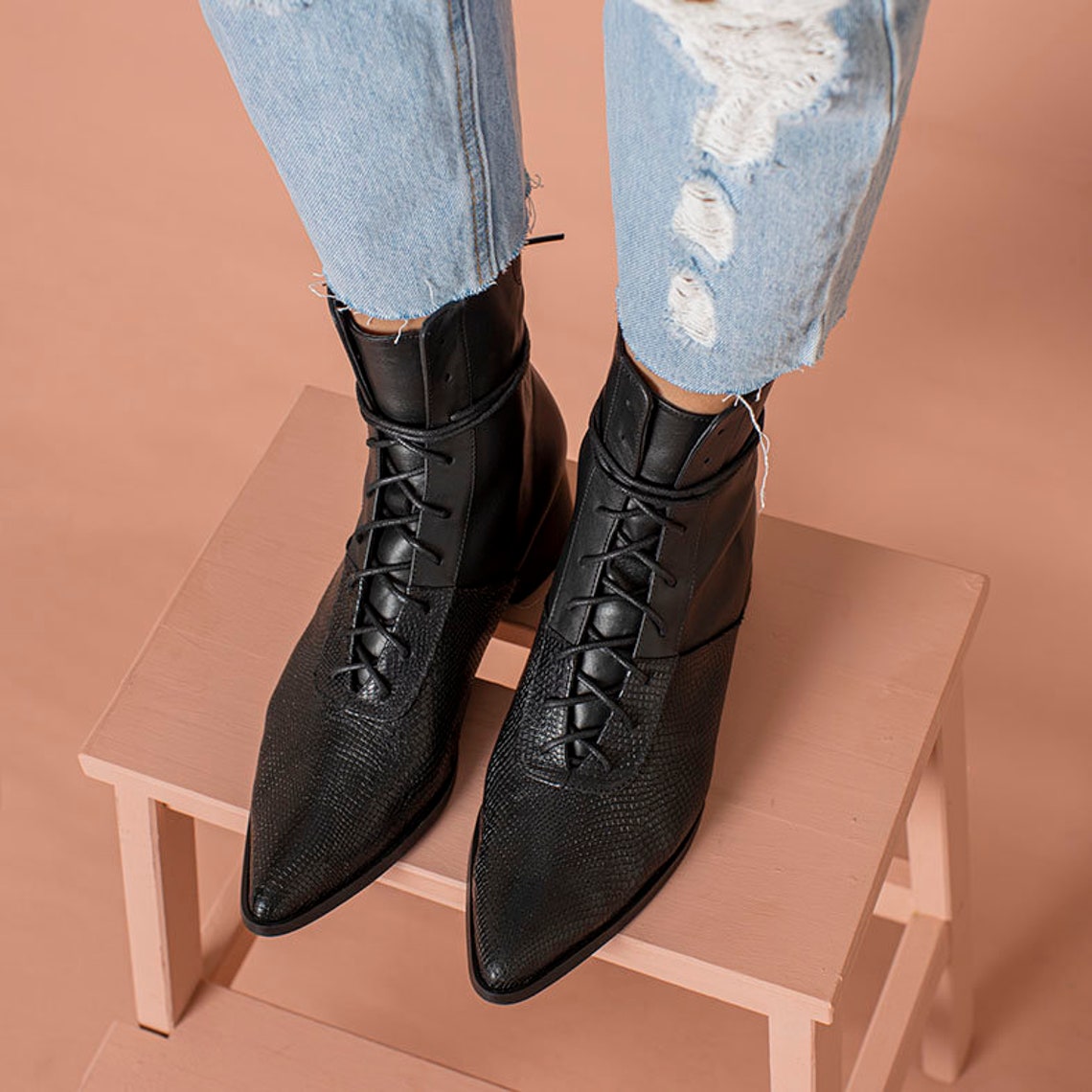
Black Lace up Ankle Boots for Women, Black Booties With Snake Skin ...